
Reference Image
Upload up to 3 images (Max 50MB each)
No Result Yet
Upload an image and describe your edits to see the result here
✨More AI Tools
Explore more powerful AI features
How to Edit Images Effortlessly with AI Image Editor
Follow these simple steps to transform your images with AI:
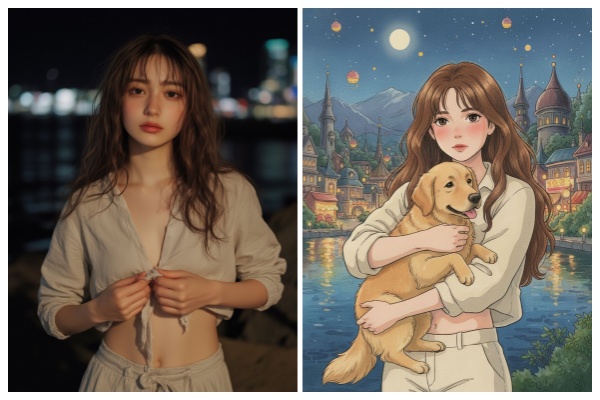
Why Choose Our AI Image Editor
Experience next-generation AI image editing—precise, fast, and creative.
- AI-Powered PrecisionOur AI understands context, edges, and lighting—resulting in seamless, natural edits.
- One-Click Background RemovalInstantly remove or replace backgrounds while preserving fine details like hair or shadows.
- Expand Images SmartlyUse outpainting to enlarge your canvas and let AI fill new areas intelligently.
AI Tools for Every Editing Need
Everything you need for fast, professional AI-powered image editing.
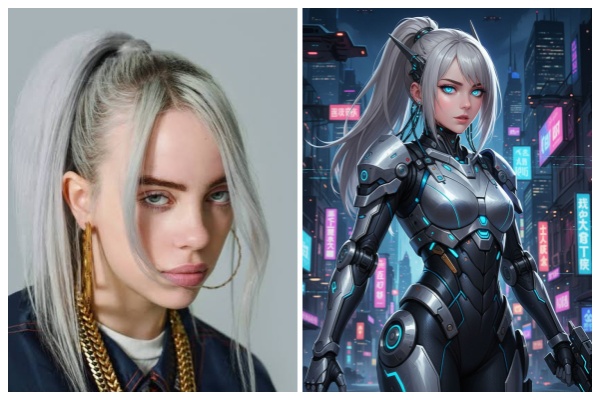
Advanced AI Editing Capabilities
Powerful editing tools built on the latest AI vision technology.
Text-to-Edit
Describe changes in plain language—AI will apply edits automatically.
Auto Color Correction
Balance lighting, contrast, and tone with one click for natural-looking results.
Face Enhancement
Automatically improve facial details for portraits or selfies.
Resolution Upscaling
Increase image resolution up to 4x without losing quality.
Object Replacement
Select an object and replace it instantly using text prompts or reference images.
Smart Undo History
Track and revert every edit step with non-destructive editing.
Frequently Asked Questions About AI Image Editing
Find answers to common questions about our AI Image Editor.
How does AI image editing work?
Our AI Image Editor uses advanced vision models to analyze your image and apply context-aware edits based on your input or text description.
Can I remove or replace specific objects?
Yes, simply select the area and describe what you want to remove or replace. The AI will generate realistic replacements seamlessly.
Does it support background removal?
Absolutely. You can remove, blur, or replace the background with custom colors or new scenes in seconds.
Is my image data private?
Yes. All uploads are processed securely, and your images are not shared or stored after editing is complete.
Can I use edited images commercially?
Yes, all edited results are yours to use freely for commercial or personal projects.
What image formats are supported?
You can upload JPG, PNG, or WEBP files, and download your edited results in high-resolution formats.
Start Editing with AI Today
Experience effortless image editing powered by artificial intelligence.